
Why a Reliable Converter PDF to Text Tool Matters More Than Ever
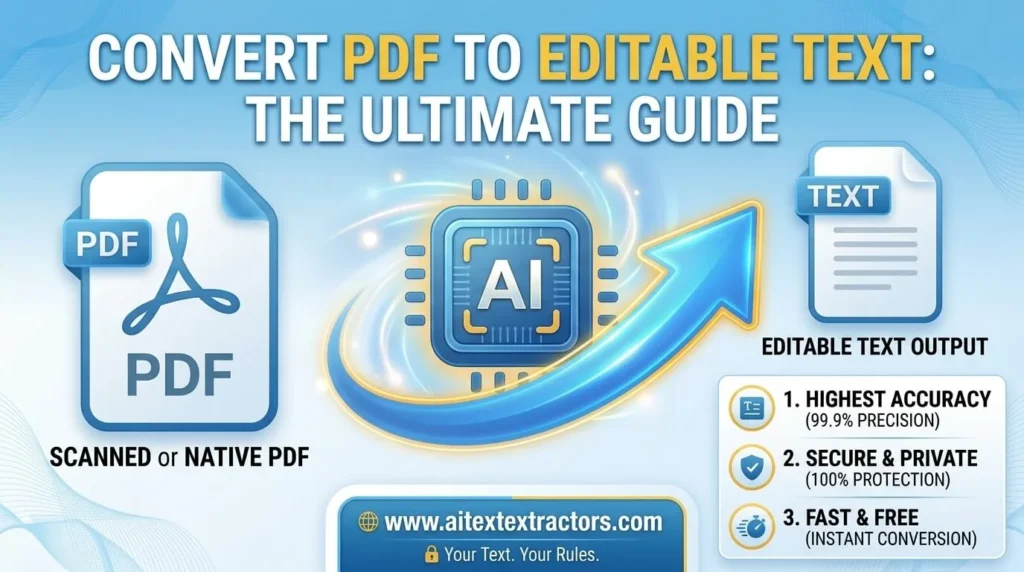
In today digital first world, documents move faster than ever, but not always in the format we need. PDFs remain the most trusted way to share reports, contracts, invoices, and research papers because they preserve layout and formatting across every device. Yet that same strength becomes a weakness the moment you need to edit, search, or repurpose the content inside. This is exactly where a dependable converter PDF to text solution earns its place in everyone digital toolkit, from students and freelancers to large enterprises managing thousands of files daily. AI Text Extractor from image/pdf is a Reliable converter for both image and PDF.
The Everyday Problem with Locked PDF Content
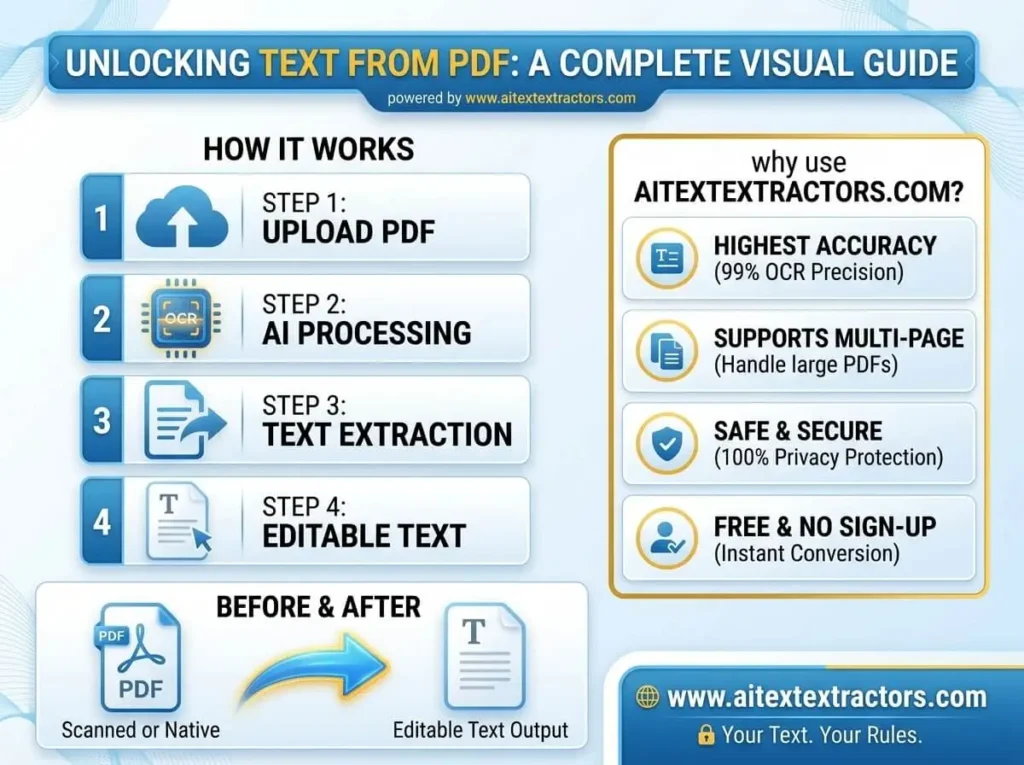
If you have ever used Microsoft Word to copy and paste a passage from a PDF, you know the pain. Formatting breaks do not show up, spacing is incorrect, and sometimes the text is not copied at all, particularly for PDFs created from a scanned image instead of a digital source. This is where a reliable PDF to text converter can come in handy, as it can automatically extract the raw text layer or utilize OCR to scan pages and convert them to clean, editable text.
The necessity to convert PDF into plain text transcends across all fields be you a student who requires to pull quotes from a research paper, a lawyer who needs to pull clauses from a contract, or a marketer who wants to transform an old brochure into blog posts. Its faster, frees up time and avoids handwritten transcription mistakes.
Reasons for using converter pdf to text Tool
Users have several reasons for choosing a converter PDF to Text solution. People search for converter pdf to text for numerous different reasons. Some typical scenarios are:
- Data extraction for analysis Many businesses might require to extract data from PDF reports and transfer it to the spreadsheet or the database to analyze it further.
- Content repurposing Writers and marketers often have to repurpose old PDF whitepapers or eBooks into text, so they can update the content and republish it elsewhere.
- Accessibility Screen readers function much better with plain text than locked PDF layouts, therefore conversion is essential to assist visually impaired users.
- Searchability Unlike scanned PDFs, plain text files are lightweight and easily searchable, and you can select a text layer for PDFs if one exists.
- Archiving If a company must keep a lot of documents, they may want to use plain text since it is less space efficient and easy to use on almost any system.
With all these use cases, it is no wonder that the need for a fast and accurate converter PDF to text tool is constantly increasing annually.
Types of a Converter PDF to Text Tool
Technically, there are two types of PDF to text converter: one which uses a built in method to convert PDF to text and the other which relies on external software to accomplish the task.
The first approach reads the underlying text layer already included in a digitally created PDF. The text is embedded directly into the file, which was most likely created with a text heavy word processor such as Microsoft Word, Google Docs or Adobe InDesign, so extraction is simply the act of pulling the text layer out and formatting it as a text file.
The second approach is useful if the PDF is a representation of a document like an old photocopy or a scanned page. In this instance, the software is designed to read the shapes of letters and words on the page and then translates them into machine readable characters. Today’s converter PDF to text software can convert almost any type of source document, even if the font, language or image is slightly misaligned. With the modern OCR engine, even if the image is slightly misaligned, the font and language of the source document is misaligned, even if it is different, the converter PDF to text software can deal with it. AI Text Extractor is good for both approaches.
Making a decision on the PDF to text converter
Not every converter is the identical and selecting the proper one relies on your requirements. If you are looking to convert PDF to text, consider the following:
The accuracy of text extraction Make sure it keeps the paragraph breaks, punctuation and special characters in the text rather than turning it into a big wall of text.
OCR support: In case of any scanned documents, you should ensure that the tool has a high level of OCR support or functionality and not simply text layer extraction.
Ease of use: A simple, user friendly interface is important, particularly when it comes to non-technical users who simply want to upload a file and receive a textual result without having to navigate through a complicated interface.
Some tools offer the flexibility to output in a standard .txt file or in a more structured format according to the use you may make of the content be extracted.
Online vs Offline Converter PDF to Text Tools.
Typically, tools come in two flavors: on line browser based and desktop software that you can download. The advantages of online converter PDF to text platforms include the fact that they are not expensive, require no installation, come across any working system, and are generally really easy to use and are free or low priced. They do need Internet access, however, and may have file size limits for free users.
Conversely, desktop conversion programs may have more sophisticated capabilities, greater ability to process large files, and offline functionality, which may be advantageous for professionals dealing with sensitive information who would not want to upload the files to external servers. The final result is that it depends on convenience versus control, and many users resorted to a combination of the two depending on the job in hand.
some common mistakes to avoid
There are some common issues that can occur with the best
PDF to text converter:
Avoiding a quality check: Never accept the extracted text
without double checking, even if the recognition process is based on OCR, a
single error can alter the meaning of a sentence.
Not taking formatting requirements into account: If you want
to keep a heading, a bullet point, or a table, a plain text conversion may
remove those features, so make sure you understand the projects needs regarding
these formatting requirements and choose a different format (such as Word) if
necessary.
The Growing Role of AI in PDF to Text Conversion
The reliability of the modern converter PDF to text software has never been so high due to the introduction of Artificial Intelligence. The machine learning model is capable of identifying complex layouts, differentiating between header and body text, and even correcting minor OCR errors automatically, with sufficient context to understand what is going on. This is because the tools available today are much more powerful than a few years ago when basic converters were available: They will be nearly perfectly accurate even on difficult documents such as handwritten notes or academic papers with several columns.
In the future, AI Text Extractor Or converter PDF to text software can be even more intelligent as AI advances, with the ability to include features such as automatic summarization, keyword extraction, and multilingual translation during the conversion process.
Real-World Industries That Depend on PDF to Text Conversion
Beyond individual users, entire industries rely on document conversion as part of their daily operations. In the legal sector, firms often need to extract clauses from lengthy contracts to compare terms across multiple agreements, and doing this manually would take hours. In healthcare, patient records that arrive as scanned PDFs frequently need to be turned into searchable text so that staff can quickly locate relevant history without flipping through pages. In academia, researchers pull citations and data tables from published papers to build literature reviews, and having text in an editable format speeds up that entire process considerably.
Publishing and journalism also lean heavily on this kind of technology. Editors working with archived print material, old interviews, or press releases stored only as PDFs need a fast way to bring that content back into a workable format for republishing or fact checking. Government agencies, too, often digitize decades of paper records, and turning those scans into plain text is often the first step toward building searchable public databases.
Tips for Getting the Best Results
To get the cleanest possible output, a few practical habits go a long way. First, always start with the highest quality version of a document you can find, since a crisp scan or a native digital PDF will always produce better results than a blurry photocopy. Second, break extremely large files into smaller sections before processing them, as this can sometimes improve both speed and accuracy, particularly with OCR heavy documents. Third, after extraction, run a quick proofread pass rather than assuming the output is perfect, since even a 98 percent accurate result can contain small errors that matter in professional or academic contexts.
It’s also worth experimenting with different tools if your first attempt does not produce satisfactory results. Not every converter handles every type of document equally well, and testing a document against two or three different platforms can help you identify which one performs best for your specific type of file, whether that’s a dense legal contract, a simple one-page letter, or a multicolumn magazine layout.
Looking Forward
The demand for fast, accurate, and secure document conversion is not going away anytime soon. As more businesses shift toward paperless workflows and remote collaboration, the ability to move seamlessly between formats becomes a core part of everyday productivity rather than a niche technical task. Tools that once felt like a convenience are quickly becoming a necessity, especially as the volume of digital paperwork continues to grow across every industry.
In Short: A dependable AI Text extractor Or converter PDF to text tool has become an essential part of modern digital workflows. Whether you’re extracting data for business intelligence, repurposing content for a new project, or simply trying to make an old scanned document searchable, having the right converter on hand saves time and reduces frustration. As technology continues to advance, these tools are only getting faster, smarter, and more accurate, making the process of turning static PDFs into usable, editable text easier than ever before.
Choosing a trustworthy converter PDF to text platform, understanding how it works, and knowing what to look for in terms of accuracy and security will help you get the most value out of every document you convert. In a world where information needs to move quickly and efficiently, mastering this simple but powerful tool can make a real difference in your productivity.